Reading, spelling, and math games your kid actually wants to play.
Backed by scientific research.
Fifteen gentle games for curious kids, ages about 4 to 8. No ads, no chat, no in-app purchases — just the ones they actually ask to play.
$39 a year or $8 a month for the whole family, after a 30-day free trial. Already have a code? Join here.

One tap from the home screen
Every game a child can play lives on one friendly screen — big icons, their name at the top, nothing else competing for a tap.

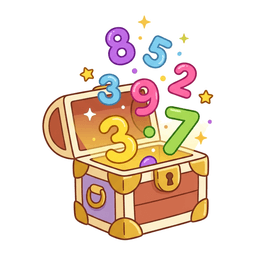
Math Quest
Seven quests that grow with your kid — from recognizing a number by ear to counting, then adding and subtracting up to 20. Ten quick tap-the-answer problems a round.
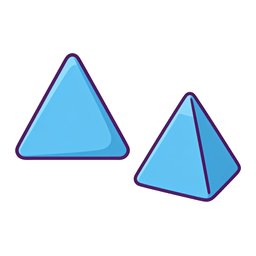
Shape Quest
Circle, square, triangle, rectangle — then each flat shape grows up into the solid it becomes, and the last level goes hunting for those solids in real things: a ball, a tent, a soup can.
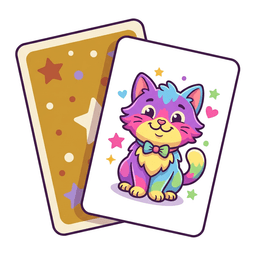
Memory Match
Hunt for matching pairs on cards that show both a picture and its word. Find a pair and the app reads the word aloud and spells it out, letter by letter.
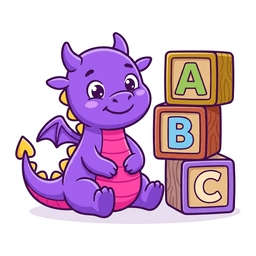
Word Builder
Drag scrambled letter tiles into place to build the word. Three levels climb from three-letter words to five, with decoy tiles higher up.
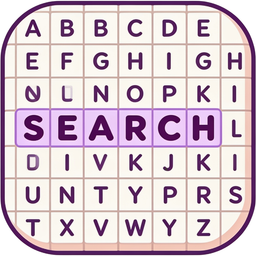
Word Search
Find the hidden words in a grid of letters. The early levels show a picture and say the word; the top level hides nine words in a 10x10 grid, running in every direction including backwards.

Sound It Out
Tap each letter to hear its sound, pick the picture the word names, then build the word from scrambled letters. Higher levels take away the picture and the spoken word, then flip it around: hear the word, spell it.
Trace Quest
Trace capital letters and numbers the way they're actually written — starting in the right place, moving in the right direction. Pick a letter, a number, or a word, including your child's own name.
Typing Box
No buttons, no instructions — just a keyboard. Press a key and a big colorful letter appears and says its name; spell a real word and the box reads it back and cheers.

Money Quest
Plenty of rooms to decorate, and every dollar is earned — quick math, spelling, or sounds "jobs" fill the piggy bank, then it's theirs to spend or save. Paying with a card spends the same "money". No in-app purchases, just "funny money".
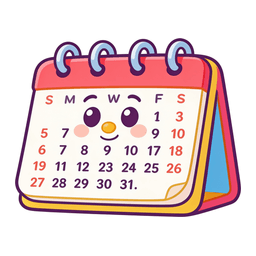
Calendar Quest
The days of the week for a kid who can't read them yet. Every day tile says its own name when you tap it, and each day keeps one color from the first screen to the last.

Space Quest
Explore the Moon and the planets with real NASA photos. Drag the planets into the gap between Earth and the Moon, watch the Moon change shape as it circles us, line up the planets to see how big they really are, and pinch to zoom around the solar system.

Look and Learn
For the youngest players: one thing at a time, shown big and said out loud. Shapes, colors, numbers, letters, and animals, each one named, explained, and then found again.
Build Quest
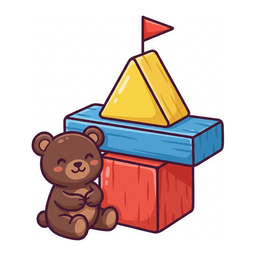
Build a tower out of blocks, triangles, and planks, then put it to the test. Let go, drop a teddy bear on top, or shake the table, and see what holds.

Drawing Pad + My Art
Fourteen colors, three brushes, and undo — draw, then save it to the gallery. Editing always makes a brand-new picture, and there's no delete for little hands, so the gallery only grows.
The approach isn't guesswork
I'm a dad, not a researcher. So when I made a design choice — the endless try-again, the missing timer, the picture that disappears — I went looking for whether anyone had studied it. Mostly, someone had. Here's what's behind the decisions.
Nobody moves on until they've got it
Math Quest won't hand your kid the next problem until this one is right. That idea is called mastery learning, and it's one of the most studied in education: across 36 studies it showed a medium-to-large benefit — and the benefit got bigger the higher the bar was set for "mastered." Ours is set at all of them.
There is no timer anywhere
Math anxiety has been documented in children as young as five, and timed drills are one of its identified causes. Brain scans of seven-to-nine-year-olds show that kids who feel panicky about math have more activity in fear-related regions and less in the regions they need to actually solve the problem. So nothing here is ever on a clock.
Letters your kid can touch and hear
The National Reading Panel's review of the research found that phonics practice where children handle actual letters was roughly twice as effective for reading as sound-only practice. Word Builder has your kid dragging real letters into place. So does Sound It Out: every word gets read and then built back from tiles, one sound at a time. That's the whole design.
The picture goes away on purpose
Teaching kids to check the illustration when they hit a hard word was standard practice for decades, and the research has turned firmly against it: it trains guessing instead of decoding, and leaves children stranded once the pictures stop. In Sound It Out, the answer is hidden during the choice. My kid found the loophole before I did.
Praise, never prizes
The research on rewards is clear and a little counterintuitive: expected, tangible rewards reduce a child's interest in the activity itself, and they do it more to children than to adults — while plain positive feedback increases it. So there is no currency here, no store, no streak to protect. Just a silly celebration and someone telling your kid they did well.
Wrong answers that are actually tempting
In Math Quest, the wrong choices sit close to the right one. That's on purpose — plausible wrong answers make a child stop and work it out, while obviously-silly ones can be dismissed at a glance and teach nothing. It also means that when your kid does miss, the miss tells us something real, which is what the parent view reads.
Every claim on this page traces back to published research. The papers, in plain English →
Know what to practice tonight
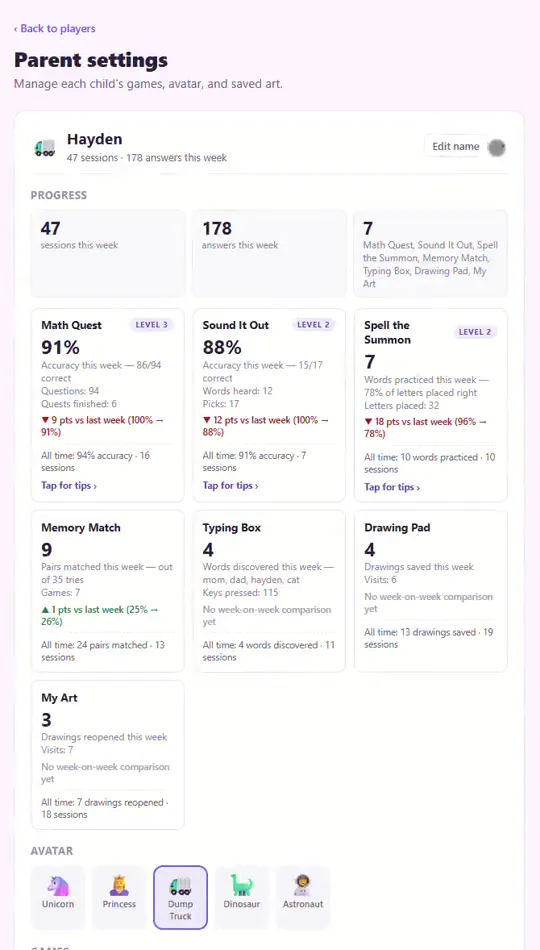
You don't get a wall of charts to decode. The app watches the misses, names the actual pattern in plain words — like mixing up 6 and 9 — and hands you one small thing to try together.
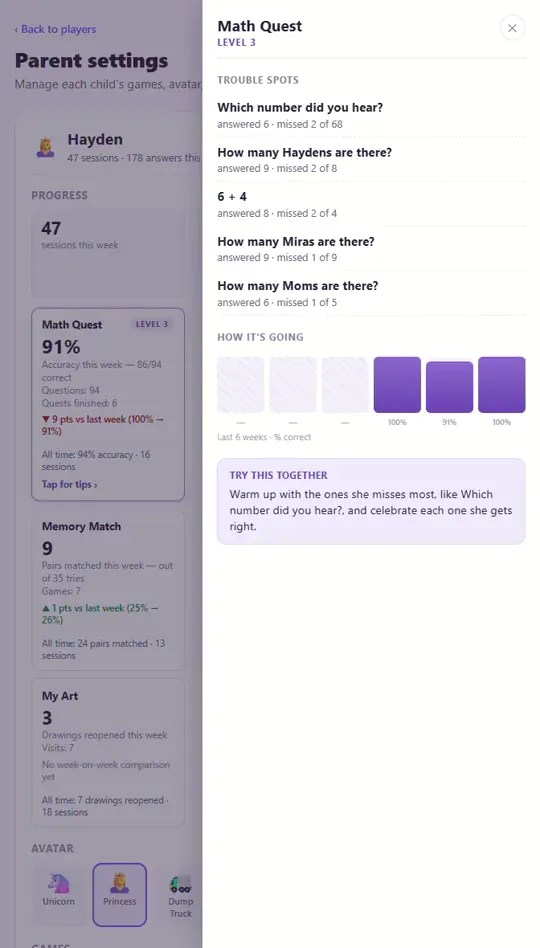
- Watches the misses
- Names the pattern in plain words
- Hands you one small thing to try together
Fifteen games, and nothing else
No feed to scroll, no store to wander into, nobody trying to sell your kid anything. Hand over the tablet and go start dinner.
- No ads. Not now, not ever.
- No links out — nowhere for a kid to wander off to.
- No autoplay video pulling them along.
- One subscription for the whole family — nothing to buy inside the app.
- Every family's data is walled off from every other family's.
- No punishing streaks to keep up.
- Nothing borrowed from slot machines — no prize wheels, no jackpots.
- Made by a parent, not an ad company.

Built by a dad for his own kid
The friendly girl waving at the top is Hayden, the app's mascot — a cartoon of my own daughter, drawn from the little watercolor paintings I make of her. This started at a kitchen table, not a boardroom: a handful of little games I made for her, grown one "can we add this?" at a time into what you're looking at now.
Hayden was always eager to learn — she wanted to. But I couldn't find games that fed that without ads and trackers, let alone anything that showed me what she was excelling at and where she was struggling. So we built the games she deserved, together.
Then she asked me to share them — 'so other kids can learn too!' So here we are.
Made for real family devices
Any screen you already have
A phone handed back on a long drive, the tablet on a flight, the family laptop at the kitchen table — it runs in any modern browser, with nothing to install.
A profile for every kid
Add each child in your family their own profile, with their own progress, artwork, and avatar.
Read aloud everywhere
Buttons, words, and prompts can be read out loud, so pre-readers aren't stuck.
Picks up on any device
Progress and saved artwork sync, so a drawing started on the tablet is there on the laptop.
A grown-ups-only corner
Settings and progress live behind a simple grown-ups gate kids can't wander into.
Try it with your kid
30 days free, then $39 a year or $8 a month for your whole family — however many kids you have. Cancel any time from the grown-ups area.